Is Drawings Alive good for 8–10 year olds?
Yes. It is for the parent of an 8–10 year old who wants the drawing to stay theirs and still look finished. Current generative AI. Take a picture → transform → animate or 3D. A prompt is optional. You do not set up a project.
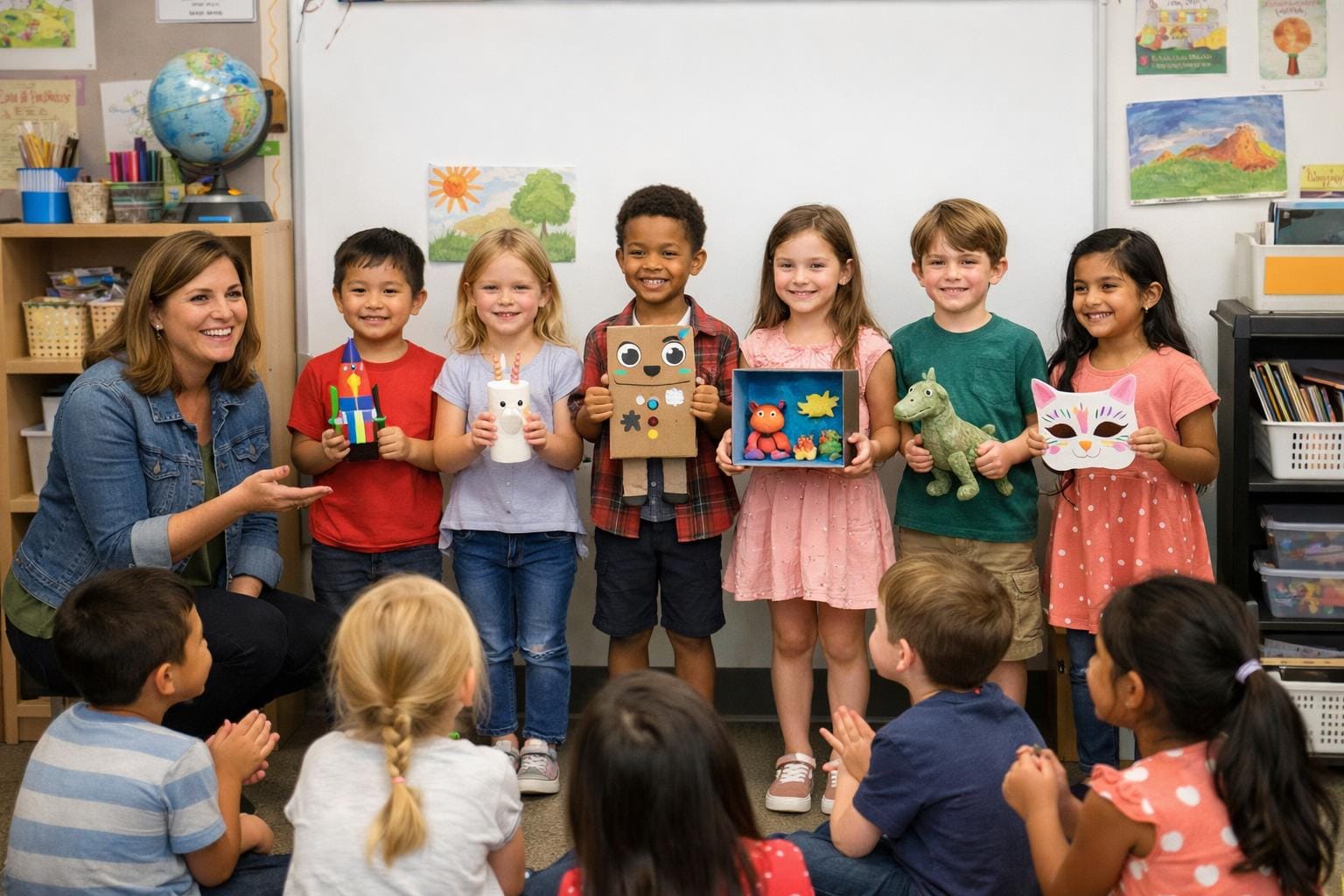
The default path for ages 5–10 is how to make drawings come to life. First grade classroom: animal adaptation lesson.
Why 8–10 is a different parent problem
At 5–7, you run the phone and they gasp. At 8–10 they will say, out loud, “that’s not my dragon.” They have proportions on purpose. They picked the colors. They may be allowed to tap generate themselves.
They also have school work that is not a 20-minute habitat craft: a book-report character, a science poster, a comic panel, a “make a cover.” The paper is still the assignment. The transform is so the class can see it without the child feeling the AI redrew someone else.
The only workflow you need
- Take a picture of the drawing. Kitchen light, a bit of table in the frame — fine. A scan is a bit cleaner if you already have one.
- Transform in Drawings Alive (web, iOS, or Android). Pick a look if you want (realistic, cartoon, painting, 3D, plush). Skip the prompt unless you actually want a nudge (“poster background,” “night sky”).
- Animate or 3D if the project wants motion or something you can stand on a desk in AR. Short clip, not a movie. 3D: how to turn a drawing into a 3D model.
That is the product. Under a minute for a still, per the Drawings Alive FAQ.
If they say “that’s not my drawing”
Out of the box it should still look like theirs. If it doesn’t, there is an extra Drawing Strength slider you can nudge. You do not start there.
What this age actually uses it for
- Book character or original hero that still looks like their lines
- Science poster animal (not a stock lion)
- Comic or game character, then a short clip
- 3D on the kitchen table to show a friend
- Family share that still looks like their drawing
Monsters with extra eyes: sketch monster maker — same three steps.
Motion: animate drawings.
US App Store Starter (September 2026) is $9.99/month or $69/year. The public FAQ does not advertise a free generation.
Key takeaways
- At 8–10 the job is: this still looks like my child’s drawing, and it is finished enough for school or to show a friend.
- Default path in Drawings Alive: take a picture → transform → animate or 3D. No prompt required.
- Meta Animated Drawings is a 2023 person-figure demo. An 8–10 year old’s comic, poster, or monster is a different job.
- If they say “that’s not my drawing,” then use the extra Drawing Strength control. You do not start there.
FAQ
Is Drawings Alive good for 8–10 year olds?
Yes. That age can already draw with a style they care about. Drawings Alive uses current AI so the result still looks like their shapes, proportions, and usually their colors. Take a picture, transform, then optionally animate or export 3D. A prompt is optional.
Will it change their drawing too much?
Out of the box it keeps their shapes, proportions, and usually their colors. You do not have to prompt or tune anything. If they still say it isn’t theirs, there is an extra Drawing Strength slider — skip it unless you need it.
Can they use it for school projects?
Yes. Keep the original paper as the work. Use the still, short video, or 3D model on a poster, book-report character, or presentation so classmates still see it is their drawing.
Is this the same as Meta Animated Drawings?
No. Meta’s demo is a 2023 research tool that rigs person-like stick figures. Drawings Alive is current generative AI for any subject. A prompt is optional.