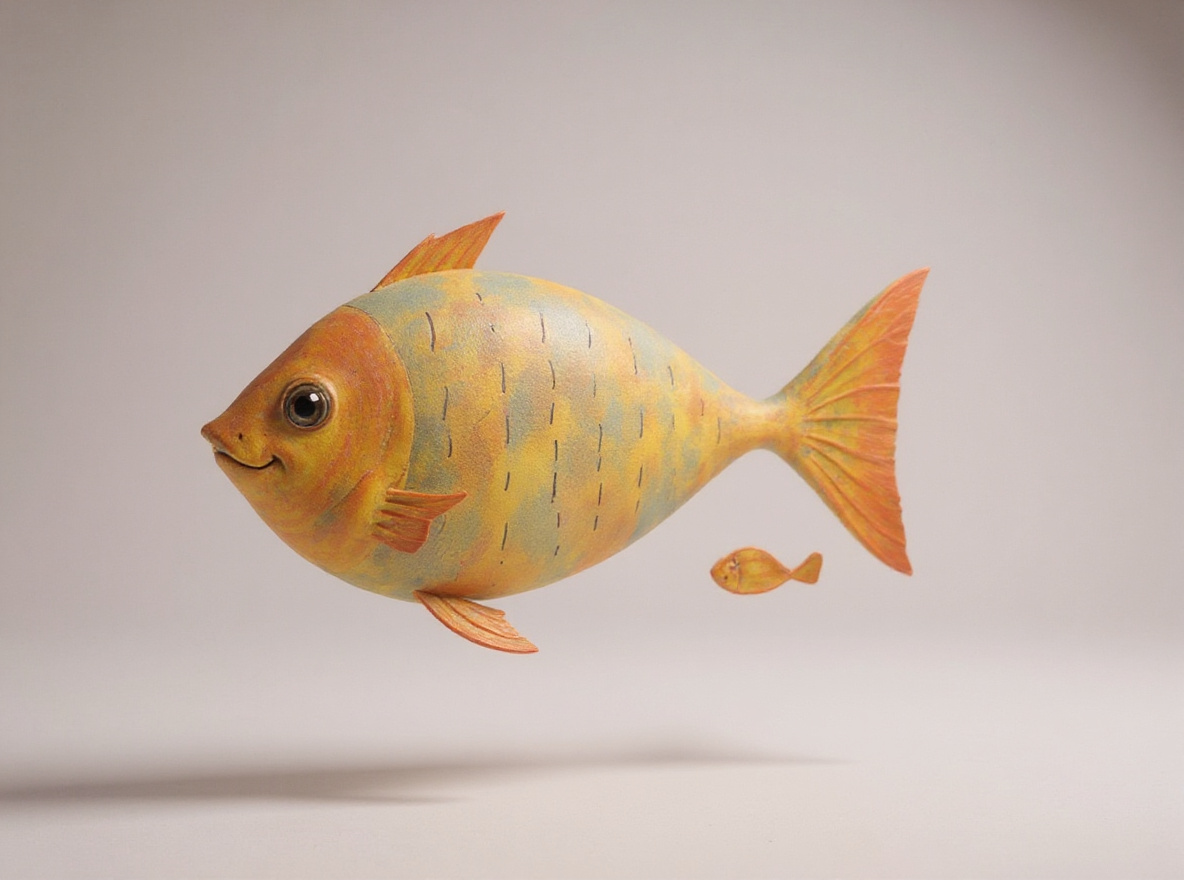
Turning a child’s drawing into a 3D model means you can spin it around and stand it on the kitchen table in AR — not a flat picture that merely looks 3D, and not a homework assignment with files. Drawings Alive does that for ages 5–10: take a picture → transform → Generate 3D. You do not need a prompt.
Meta Animated Drawings does not make 3D. It is a free 2023 research demo that rigs a person-like doodle. Same “bring a drawing to life” search, different object.
Stills: how to make drawings come to life. Video: how to animate drawings.
The 3D look is not the 3D model
| Optional “3D” art style | Generate 3D | Meta Animated Drawings (2023) | |
|---|---|---|---|
| What you get | A still that looks sculpted | A model you can spin around and view in AR. USDZ and GLB files if you share or download | A preset loop on a person-like sketch |
| AR on the floor | No | Yes (iOS 12+ / Android 7.0+) | No |
| Starts from the paper | Yes, after transform | Yes — it runs on that still | Original lines, people only |
Pick any transform look you want (cartoon, plush, realistic, 3D, toy bricks). Then tap Generate 3D on the still. That second button is the model.
How to turn a drawing into 3D
- Take a picture of the drawing (or draw in-app). Kitchen-table JPG/PNG is enough. A scan is a bit cleaner if you have one.
- Transform at drawingsalive.com or in the iOS/Android app. Optional short prompt if you want a nudge.
- Generate 3D on that still. The UI says about three minutes. Stills themselves are usually under a minute, per the Drawings Alive FAQ.
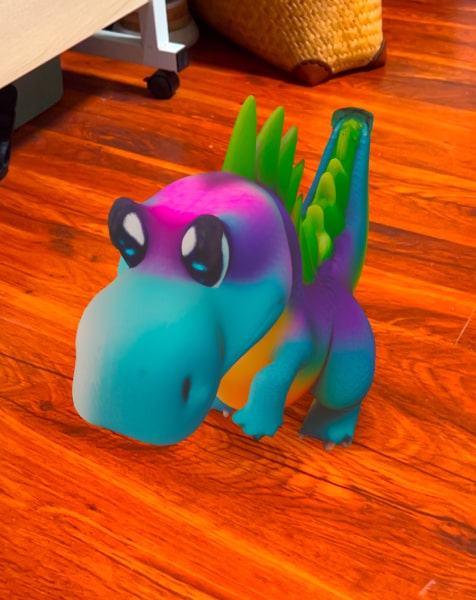
- Look at it, or put it in the room. The app already shows a 3D viewer — spin it, no file. On iPhone, Make it appear in real life (AR) opens the phone’s built-in AR view. Same idea on a supported Android phone. On a computer, the site shows a QR so the phone can open AR.
You only need a file if you want one. Share from the app, or Download from the web app, and you get the actual USDZ and GLB files. You do not download something, then open it, just to look at it. You do not need Blender, a 3D printer, or a paragraph that describes the doodle. The drawing is the input.
Ages 5–10
Same four steps at either end of that range. You take the photo; they can watch the model appear. School posters and “stand it on the table for a friend”: Drawings Alive for 8–10 year olds.
Creatures with extra eyes still work — sketch monster maker — because you are not placing hip joints.
What this is not
- Not a 3D printer. You look at it in the app and in AR. USDZ and GLB files are there if you share or download.
- Not Meta’s demo. No 3D export there. Full split: Drawings Alive vs Meta Animated Drawings.
- Not a movie. Video is a separate ~6-second clip from the same still.
US App Store Starter (September 2026): $9.99/month or $69/year. Public plans page: 1 3D model per month on Starter, 5 on Hobby, 10 on Artist. The public FAQ: access after payment; no advertised free generation.
Key takeaways
- A 3D model is something you can spin around and stand on the kitchen table in AR. A still that merely looks 3D is a different button (the optional “3D” art style).
- Drawings Alive path for ages 5–10: take a picture → transform → Generate 3D. A prompt is optional. You do not need one.
- In the app you preview the model and tap AR. iPhone opens the built-in AR view. You do not download a file first. If you want the actual files, Share (app) or Download (web) gives you USDZ and GLB.
- Stills usually return in under a minute (Drawings Alive FAQ). The 3D step takes about three minutes. Meta Animated Drawings does not export a 3D model.
FAQ
How can I turn my child’s drawing into a 3D model?
In Drawings Alive: take a picture of the drawing, transform it, then tap Generate 3D on that still. You do not need a prompt. In the app you spin the model and tap AR. iPhone opens the built-in AR view — no file to download first. You do not need a 3D printer.
What is the easiest way to turn a kid’s doodle into a 3D model?
The direct path is Drawings Alive: picture → transform → Generate 3D. You do not describe the doodle from scratch, and you do not rig joints. Meta Animated Drawings cannot do this job — it is a 2023 skeleton demo for person-like sketches.
Is picking the 3D art style the same as making a 3D model?
No. The optional “3D” style is a still that looks sculpted. Generate 3D is a separate step on that still (or any other style). Only Generate 3D gives you a model you can rotate and view in AR.
Do I need a 3D printer?
No. In the Drawings Alive app you preview the model and open AR on the phone. If you want the actual files, Share from the app or Download on the web — you get USDZ and GLB. Printing is a different pipeline we do not claim.
How long does drawing-to-3D take, and what does it cost?
A still usually takes under a minute. Generate 3D takes about three minutes. US App Store Starter is $9.99/month as of September 2026. The public plans page includes 1 3D model per month on Starter, 5 on Hobby, 10 on Artist. The public FAQ does not advertise free generation.