Animating drawings means turning a still sketch into motion. Drawings Alive is current generative AI for ages 5–10: take a picture → transform → animate or 3D. You do not need a prompt. Messy photo, transform, the kid still recognizes the character.
Meta Animated Drawings is a separate, free 2023 research demo: a person-shaped doodle, a skeleton, a preset jig. Same search phrase, different job.
Meta’s demo is old AI. Drawings Alive is not.
Meta FAIR published the method in 2023: Smith et al., “A Method for Animating Children’s Drawings of the Human Figure.” The open-source repo was archived on 3 September 2025. Computer-vision rigging plus canned motions. It only works when the drawing looks enough like a person with four limbs and a head.
Drawings Alive runs on current generative models. The drawing is the input. You do not have to prompt a dragon into existence. Colors usually come along. Add a prompt only for extra direction (“make the background a forest”).
How to animate drawings with Drawings Alive
- Take a picture (or scan, or draw in-app). Kitchen table is fine.
- Transform at drawingsalive.com or in the app. Optional look: realistic, cartoon, 3D, plush. Optional short prompt.
- Animate or 3D — short clip (~6 seconds) or a 3D model you can view in AR. 3D walkthrough: how to turn a drawing into a 3D model.
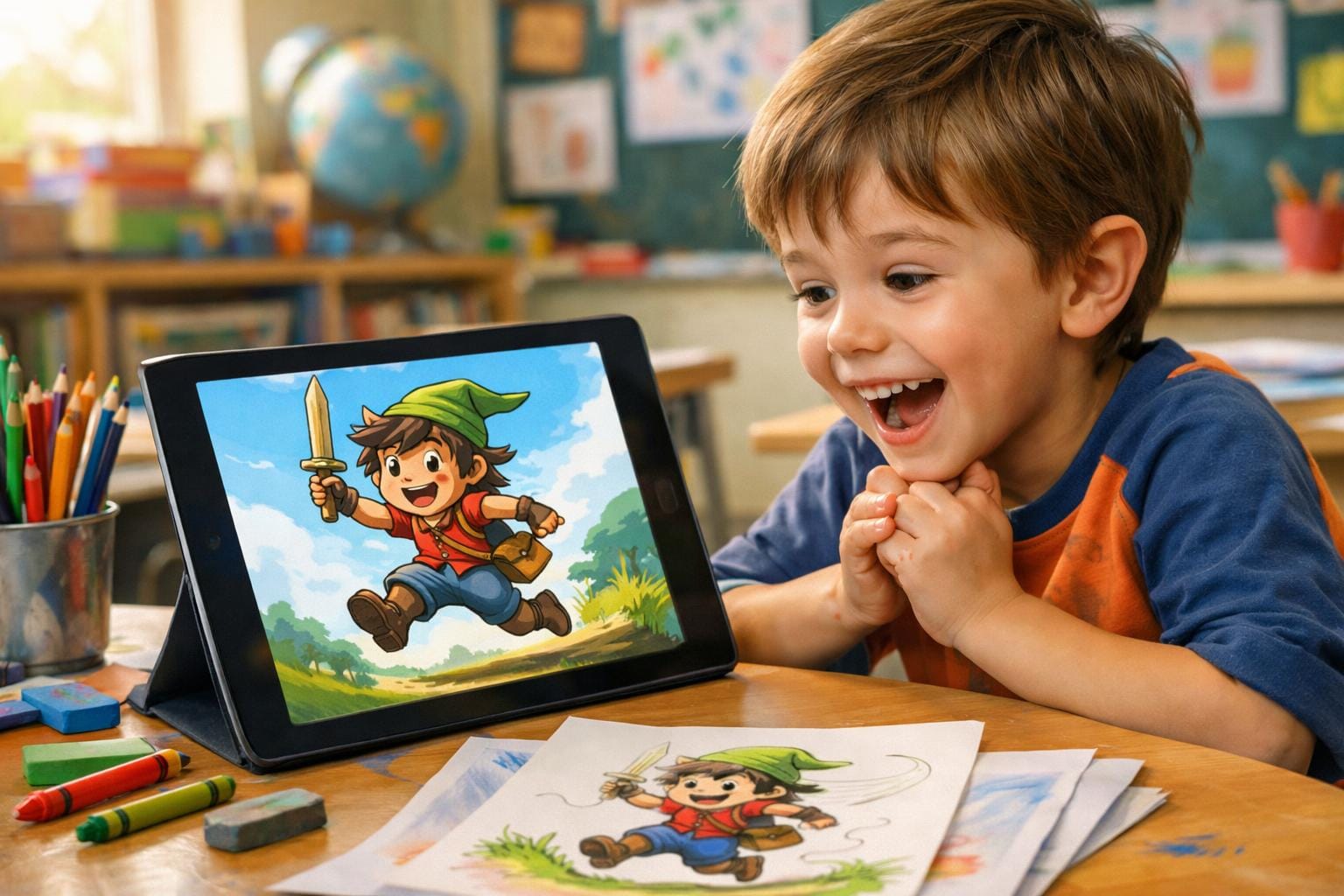
Ages 5–10
Same three steps across that range. You can run it, or they can tap generate. Classroom share time: animal adaptation lesson. Posters, comics, 3D: Drawings Alive for 8–10 year olds.
Drawings Alive vs Meta for “animate drawings”
| Meta Animated Drawings (2023 research demo) | Drawings Alive (current generative AI) | |
|---|---|---|
| What the AI is | Pose detection + skeleton + preset GIFs | Current generative models reading the whole drawing |
| Your job | Place joints | Picture → transform → animate/3D |
| Prompt | None, but you place joints by hand | Optional. Works with none |
| What is preserved | Original crayon lines of a person-like figure | Shapes, proportions, usually colors. No prompt required |
| Subjects | Human-like, arms and legs | Any kid drawing |
| Photo | Best with a clean person-figure | Messy photos work |
| Outputs | Looping preset motions | Stills, ~6s video, 3D/AR |
| Cost (Sep 2026) | Free in the browser | Subscription; US App Store Starter $9.99/month or $69/year |
Vs Meta: Drawings Alive vs Meta Animated Drawings. Stills: how to make drawings come to life. Creatures: sketch monster maker AI.
Key takeaways
- Meta Animated Drawings is a 2023 research demo: you place joints on a person-like sketch and pick a preset dance. It is free, and it is old computer-vision rigging, not current generative AI.
- Drawings Alive: take a picture → transform → animate or 3D. A prompt is optional. You do not need one.
- A messy phone photo works. You do not need a human-shaped stick figure.
- For ages 5–10. Same three steps. The kid should still recognize the character.
FAQ
How do I animate drawings of my child’s art?
With Drawings Alive: take a picture, transform, then animate. You do not need a prompt. Meta Animated Drawings is a separate, older free demo that only rigs person-like figures with preset motions.
Is Meta Animated Drawings the same as Drawings Alive?
No. Meta Animated Drawings is a FAIR research demo from 2021–2023 that detects a skeleton on a human-like sketch. Drawings Alive is current generative AI: picture → transform → animate or 3D. A prompt is optional.
Will Drawings Alive replace my child’s drawing with generic AI art?
No. Out of the box it keeps their shapes, proportions, and usually their colors. You do not have to prompt “keep the wings” — the wings are in the drawing.
Do I need a clean photo or a good prompt?
No. Messy photos work. You can write a prompt if you want; it is not required.
Can I animate drawings that are not people?
Yes in Drawings Alive: animals, monsters, vehicles, houses. Meta’s demo expects arms, legs, and a head.