Get better results with Drawings Alive AI
Here are some examples of how you get better results with Drawings Alive AI.
Drawing:
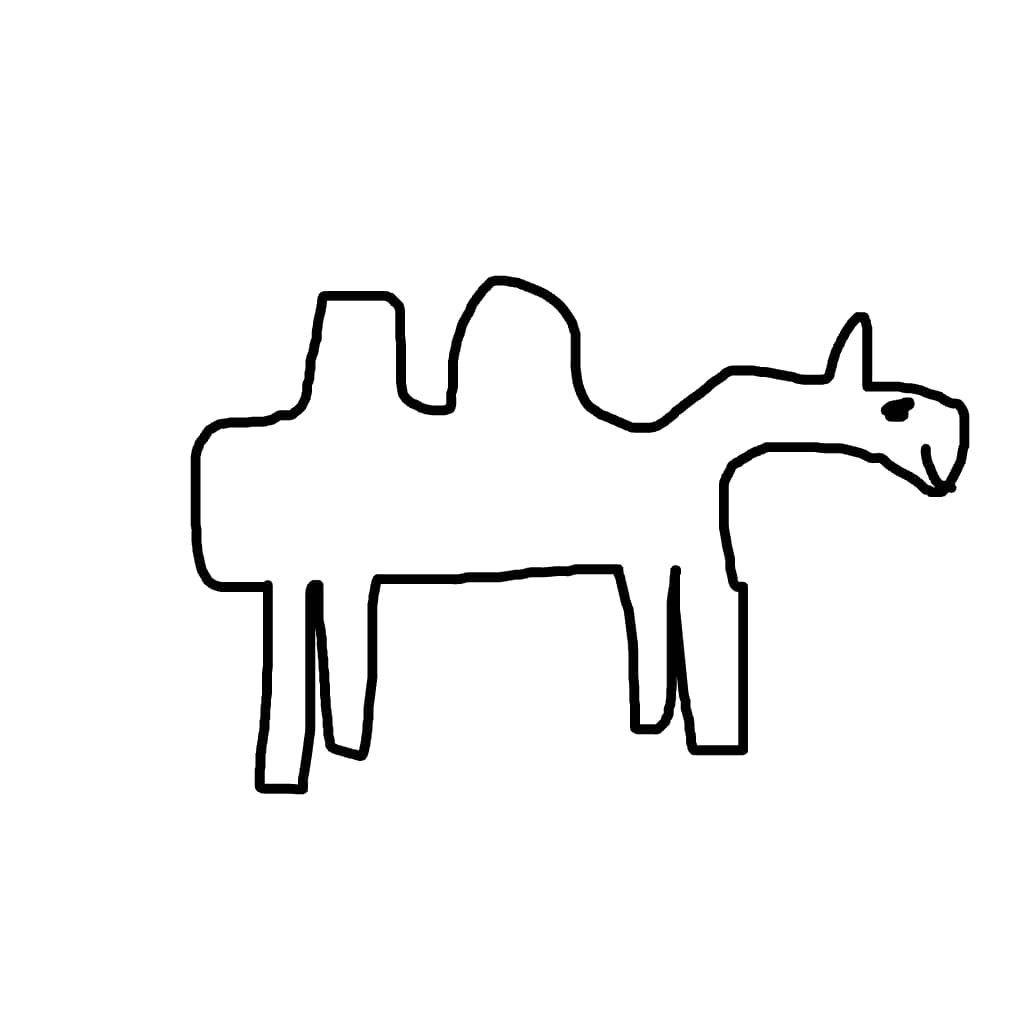
Description: funny camel walking in the desert
💡 Tip: Adding "funny" to "camel" made the AI understand that the camel shape wasn't realistic or accurate.
💡 Tip: Adding "in the desert" made the AI generate a nice background instead of a plain color.
Drawing Power: 90%
Style: 3D
Result with Drawings Alive AI:
Same drawing, different description:

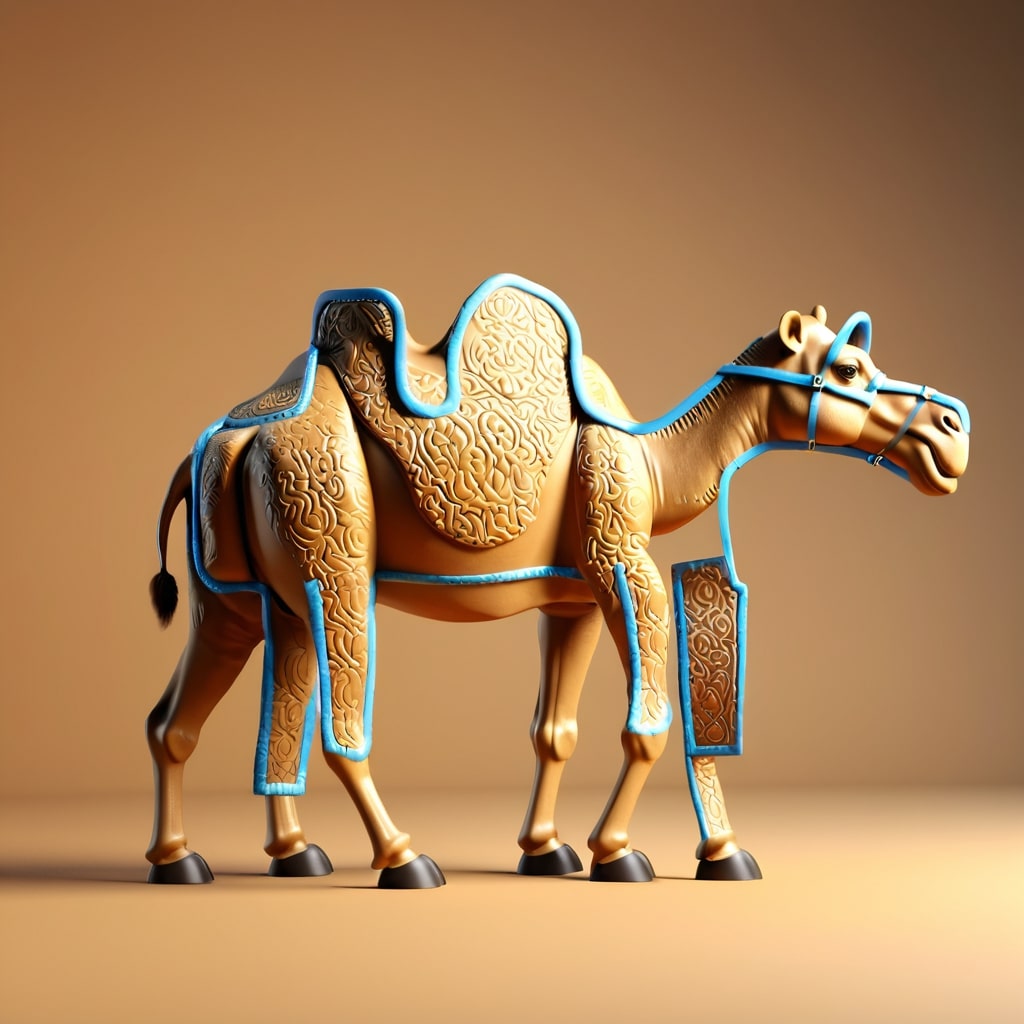
Description: camel
❌ When the description was simply "camel", the AI didn't know well how to generate a camel within the drawing lines because it was expecting the drawing to be more realistic. Adding "funny camel" or "camel with a weird body" fixes this.
Drawing:
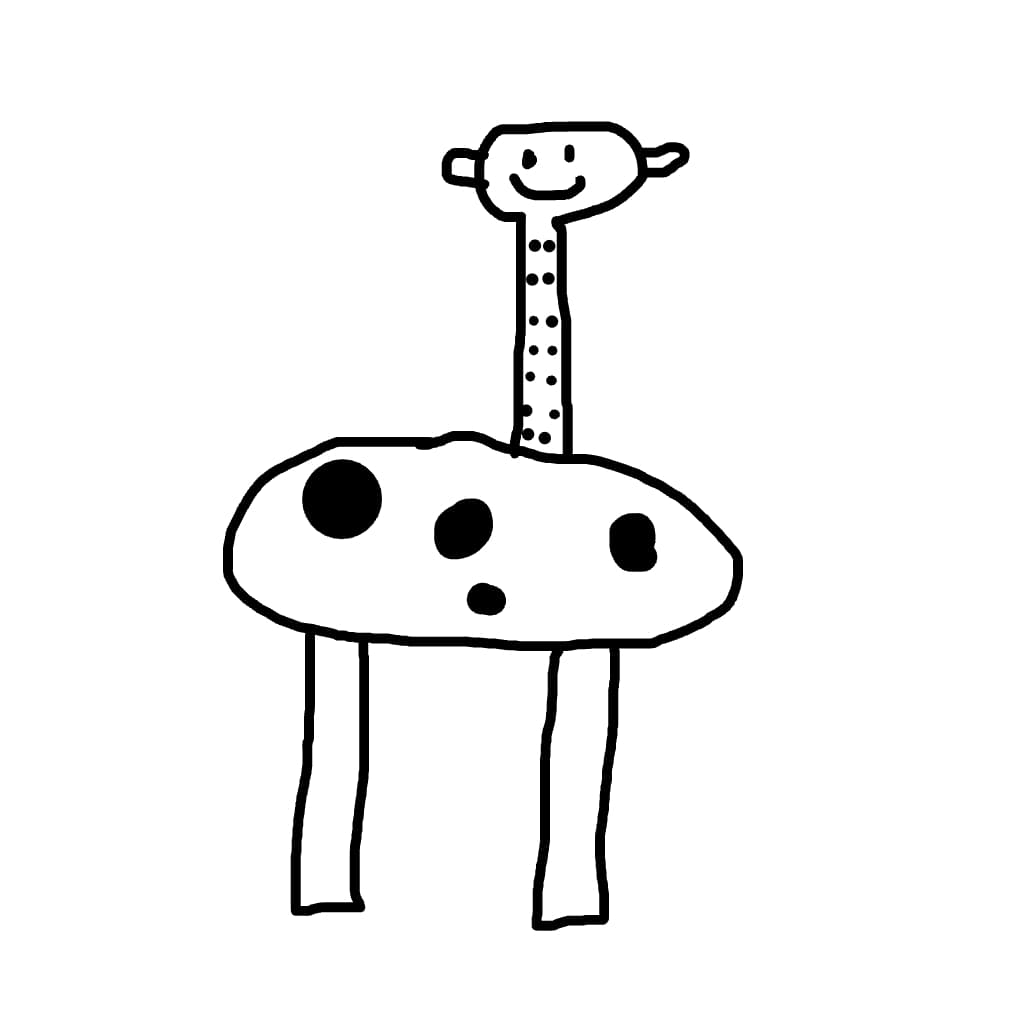
Description: giraffe with a weird body, in a safari
💡 Tip: Adding "with a weird body" makes the result much better.
Drawing Power: 80%
Style: Realistic
Result with Drawings Alive AI:
Same drawing, different description:
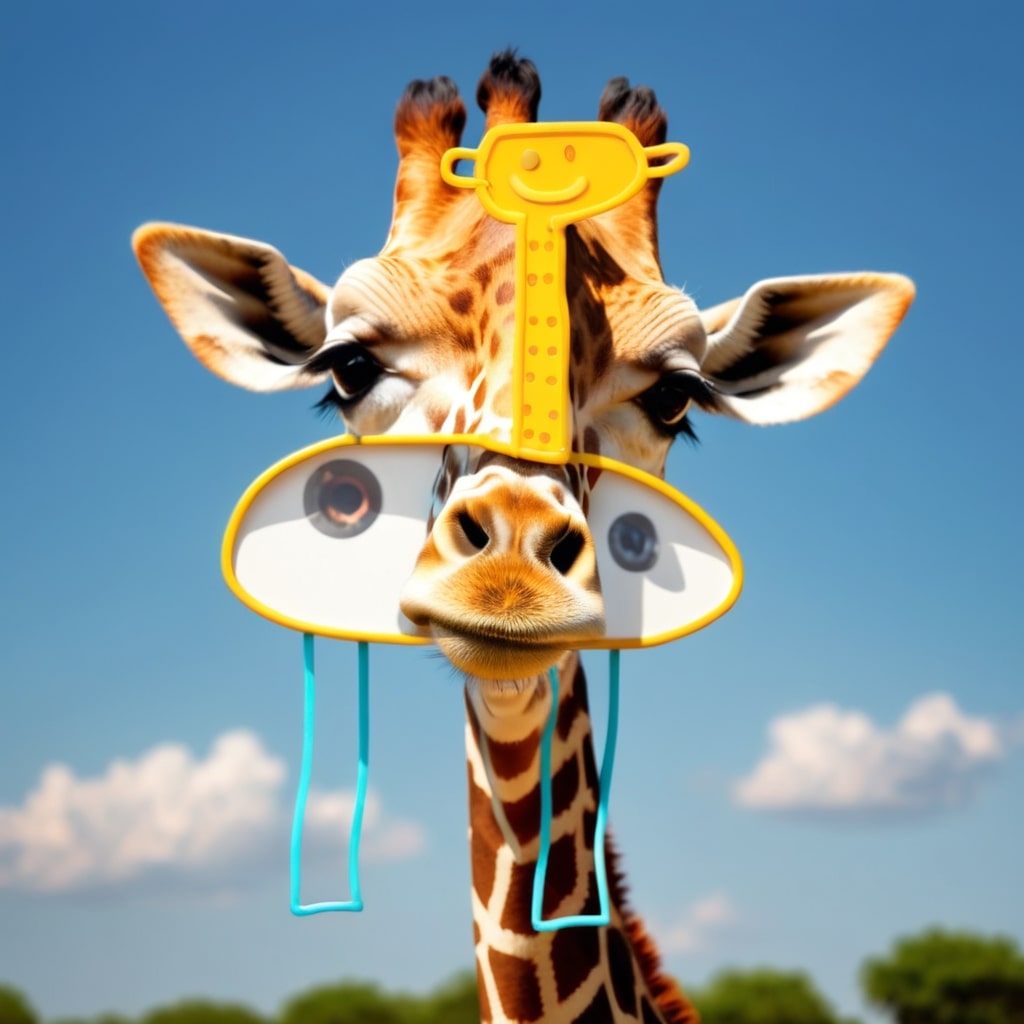
Description: giraffe
❌ When the description was simply "giraffe", the AI didn't know how to generate a giraffe within the drawing lines because it was expecting the drawing to be more realistic. Adding "giraffe with a weird body" fixes this.